
Download FreeDoom – free Doom game, original levels, classic Doom engine, open-source, no copyright issues, multiplayer support, compatible with Zandronum and PrBoom
Overview
FreeDoom delivers a modern revival of the legendary Doom experience through a completely original IWAD file crafted for the classic Doom engine. Designed as a free and open-source alternative, it provides players with 32 handcrafted levels and multiple difficulty settings, offering both nostalgic appeal and fresh gameplay. The app serves as a legally compliant, copyright-free expansion to the Doom universe, developed under the blessing of the original engine’s release as free software. This makes it a safe and ethical choice for fans seeking new content without infringing on intellectual property rights.
Targeted at retro gaming enthusiasts, indie developers, and newcomers to the Doom series, FreeDoom bridges generations of players through accessible, high-quality content. Its use of the established Doom engine ensures compatibility with a wide range of interpreters, allowing for both single-player and multiplayer experiences. Real-world applications include casual gaming sessions, community-driven modding, and educational exploration of game design principles. In the mobile app ecosystem, FreeDoom stands out as a niche yet meaningful project that promotes open-source development and preserves gaming heritage.
The developer, FreeDoom Project, has not disclosed further organizational details, but the app’s community-driven nature suggests a collaborative effort rooted in passion rather than commercial gain. The absence of ads or in-app purchases reinforces its commitment to accessibility and user freedom.
Key Features & Functionality
- 32 Original Levels: Each level is uniquely designed from scratch, featuring varied layouts, enemy placements, and environmental storytelling. These levels maintain the fast-paced action of the original Doom while introducing new challenges and visual themes.
- Three Difficulty Settings: Players can adjust the game’s intensity to match their skill level—ranging from beginner-friendly to expert-level challenges—enhancing accessibility and replay value.
- Open-Source & Copyright-Free: All assets are original creations, ensuring no infringement on id Software’s intellectual property. This allows legal distribution and modification, supporting transparency and community contributions.
- Interpreter-Based Compatibility: FreeDoom functions as an IWAD file and requires a compatible interpreter such as Zandronum or PrBoom. This design choice enables cross-platform functionality and leverages the mature Doom engine’s stability and mod support.
- Community-Driven Development: The project thrives on contributions from independent artists, level designers, and programmers, fostering a collaborative environment that ensures ongoing improvements and content updates.
For example, a new player might begin with the easiest difficulty to learn combat mechanics, while a veteran could use the highest setting to test their reflexes. Similarly, a modder might use the source files to create custom maps or game modes, contributing back to the project. The interpreter requirement, while an extra step, ensures that the game remains lightweight and compatible with diverse hardware.
Interface, UX & Performance
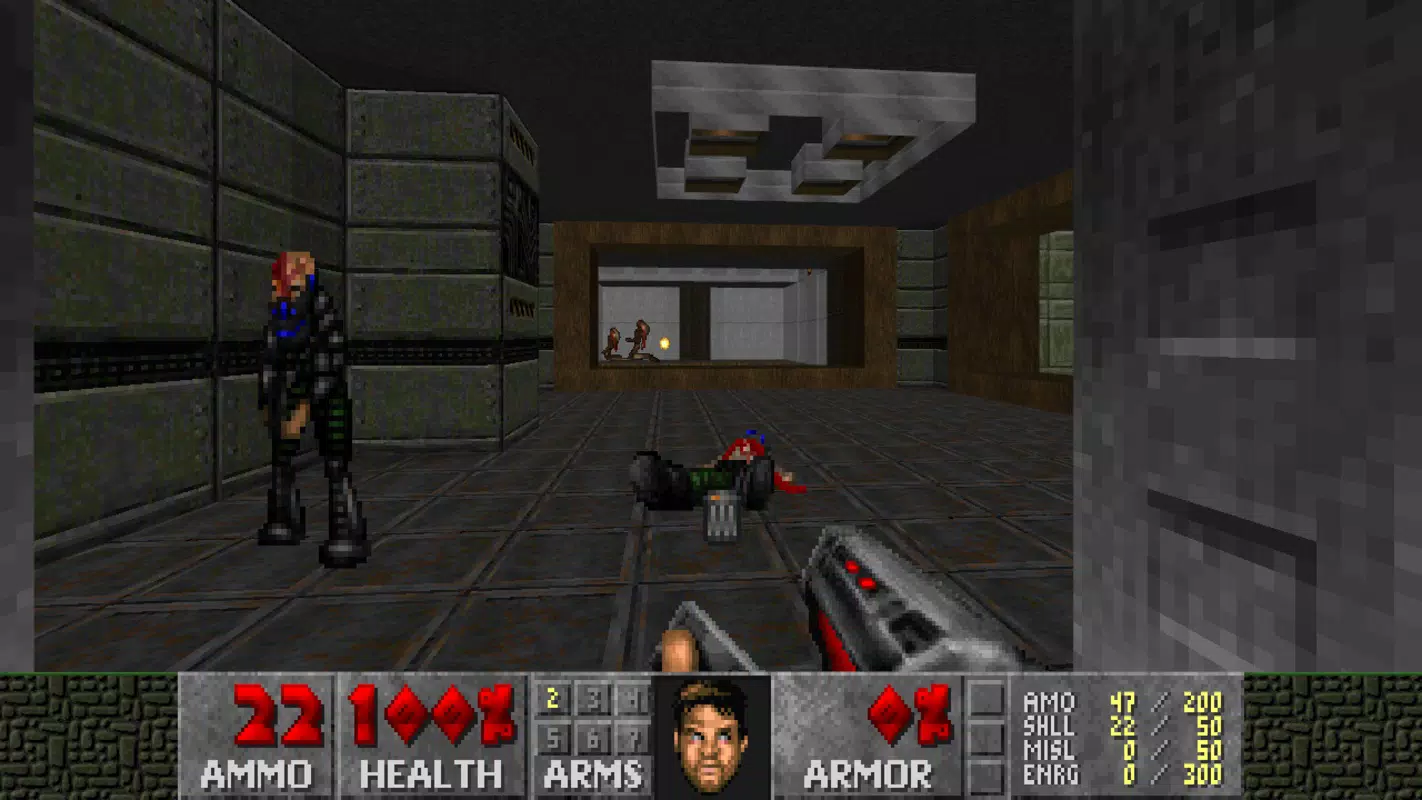
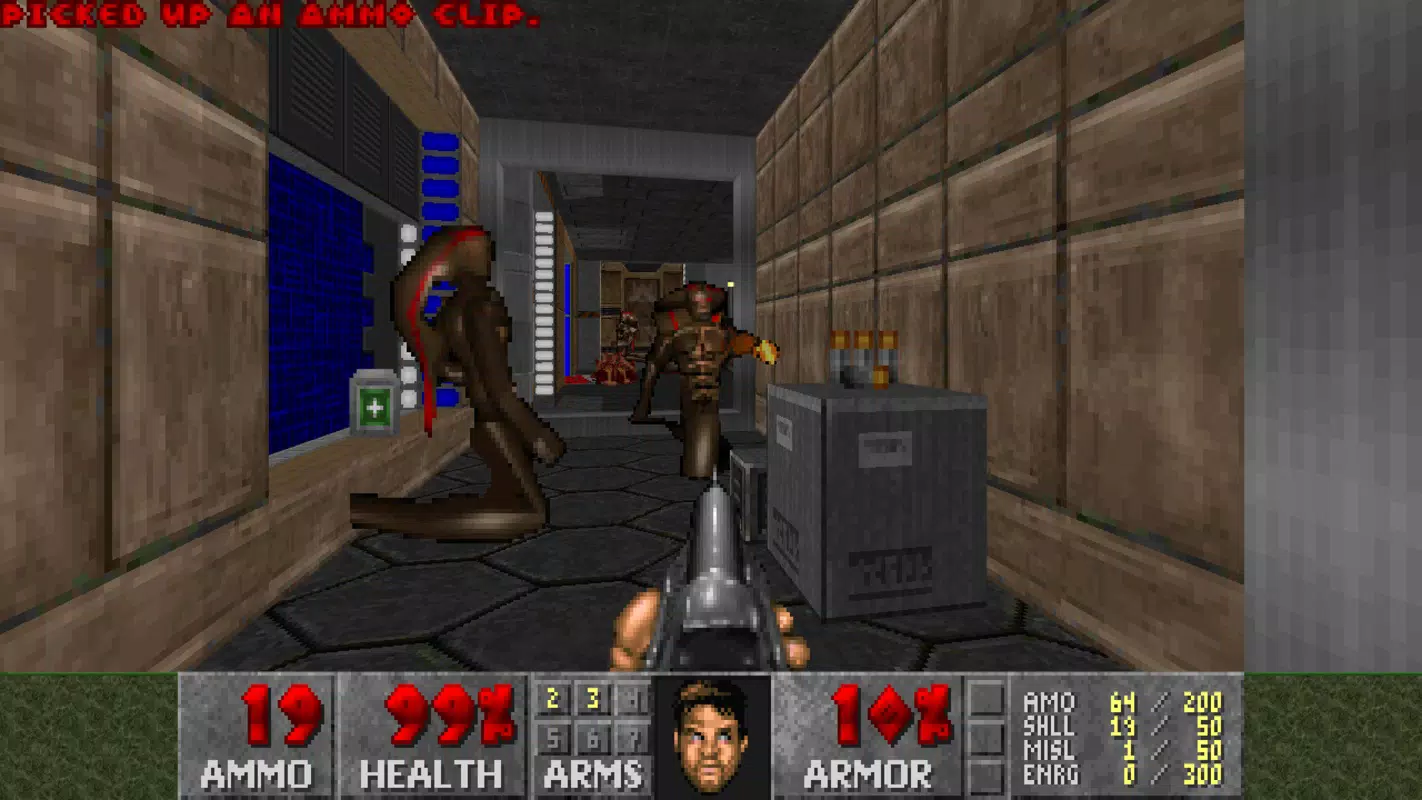
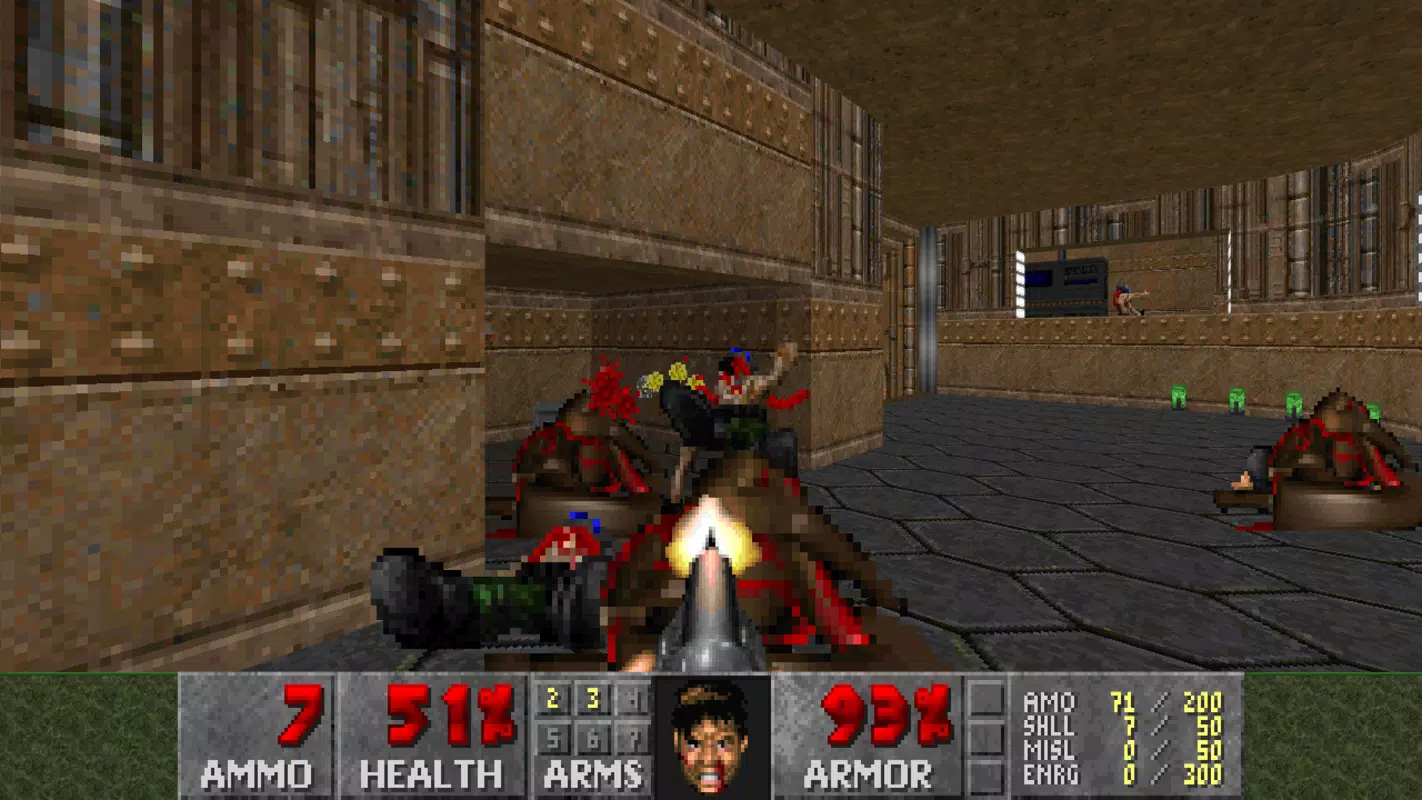
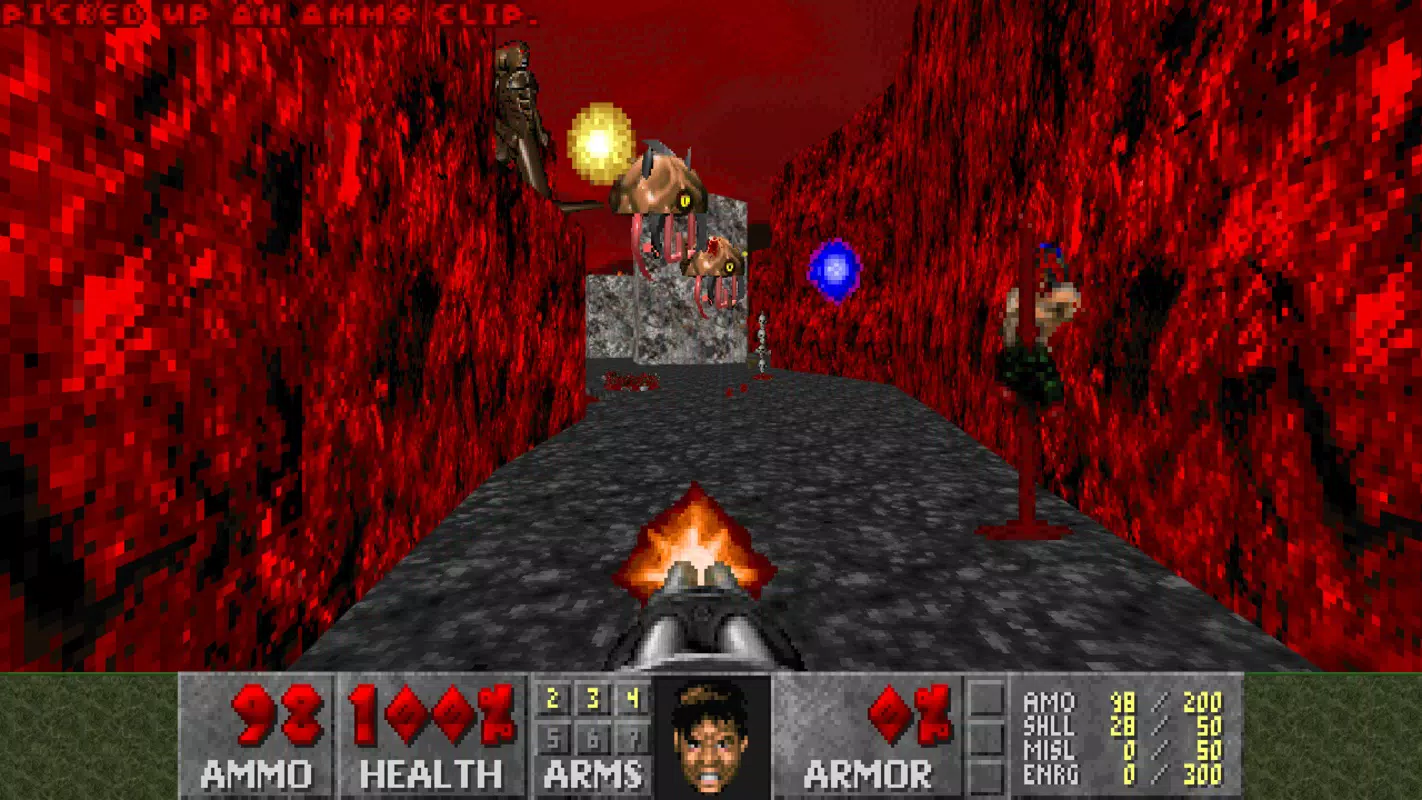
The user interface of FreeDoom is minimalistic, relying on the classic Doom engine’s HUD for core gameplay elements such as health, armor, ammo, and weapon selection. Navigation is straightforward, with controls adapted for touchscreens on mobile devices, though the experience may vary depending on the interpreter used. The visual style remains faithful to the original 1993 Doom aesthetic, with pixelated textures, limited color palettes, and atmospheric lighting.
Although the developer did not list formal performance metrics, the app’s 217 MB file size suggests efficient resource management. Performance on mobile devices is expected to be stable, particularly when running through optimized interpreters. Responsiveness is likely consistent across mid-to-high-end smartphones, though older models may experience frame rate fluctuations during intense combat sequences.
Stability is maintained through the use of well-established engine interpreters, which handle rendering, sound, and input with proven reliability. The lack of in-app purchases or advertisements contributes to a distraction-free experience. However, users must manually install the required interpreter, which may pose a minor barrier for less tech-savvy individuals.
Platform Compatibility & Technical Requirements
FreeDoom is available on both Android and iOS platforms, making it accessible to a broad range of mobile users. The current version is 1.0.0, with a file size of 217 MB. While the developer did not specify minimum OS requirements, the app’s compatibility with Zandronum and PrBoom suggests it functions on devices supporting modern mobile operating systems.
Users should ensure their device has sufficient storage space and processing power to run the game smoothly. The app does not include the engine itself, so installation requires an additional step: downloading and configuring a compatible interpreter. This setup process is standard within the retro gaming community but may be unfamiliar to new users.
The developer did not provide additional technical details regarding GPU, RAM, or specific device models. Compatibility information was not fully disclosed, so users are advised to consult the interpreter’s documentation for optimal performance.
Pros and Cons
Pros
- Completely free to download and use with no in-app purchases
- Original content created without infringing on copyrights
- Supports multiple difficulty levels for varied player experience
- Open-source nature encourages transparency and community contributions
- Compatible with popular Doom engine interpreters like Zandronum and PrBoom
Cons
- Requires an external interpreter to function, adding complexity to setup
- Not available as a standalone app; dependent on third-party software
- Visual style may feel outdated to players accustomed to modern graphics
- Performance may vary depending on interpreter and device capabilities
- Limited official support channels due to community-driven development
FAQ
Is FreeDoom safe to download and install?
Yes, FreeDoom is a legal and open-source project developed under the original Doom engine’s free software license. It contains no malware or hidden tracking components.
Do I need to pay to use FreeDoom?
No. The app is completely free to download, use, and distribute. There are no in-app purchases or subscription fees.
Can I play FreeDoom on my smartphone?
Yes, FreeDoom is available for Android and iOS devices. However, you must install a compatible interpreter like Zandronum or PrBoom to run the game.
Is multiplayer support available?
Yes, FreeDoom supports multiplayer gameplay when used with interpreters like Zandronum, which enable online and local network matches.
What do I need to run FreeDoom?
You need a mobile device running Android or iOS, at least 217 MB of free storage, and a compatible Doom engine interpreter such as Zandronum or PrBoom.
Final Thoughts
FreeDoom stands as a powerful testament to the enduring legacy of classic gaming and the strength of open-source collaboration. By delivering 32 original levels, multiple difficulty settings, and full legal compliance, it offers a fresh yet familiar experience for both old-school fans and new players. While the requirement to use an external interpreter adds a layer of complexity, it also ensures compatibility, performance, and modding flexibility.
This app is ideal for retro gaming enthusiasts, modding hobbyists, and anyone interested in exploring the foundations of first-person shooters. Its commitment to ethical development, community involvement, and accessibility makes it a standout in the mobile gaming landscape.
Download FreeDoom now and step into a world where nostalgia meets innovation—powered by passion, built for freedom.


